Turnkey Mobile Application Design Development
Stages of Website or Application Design Development
1. Design Concept
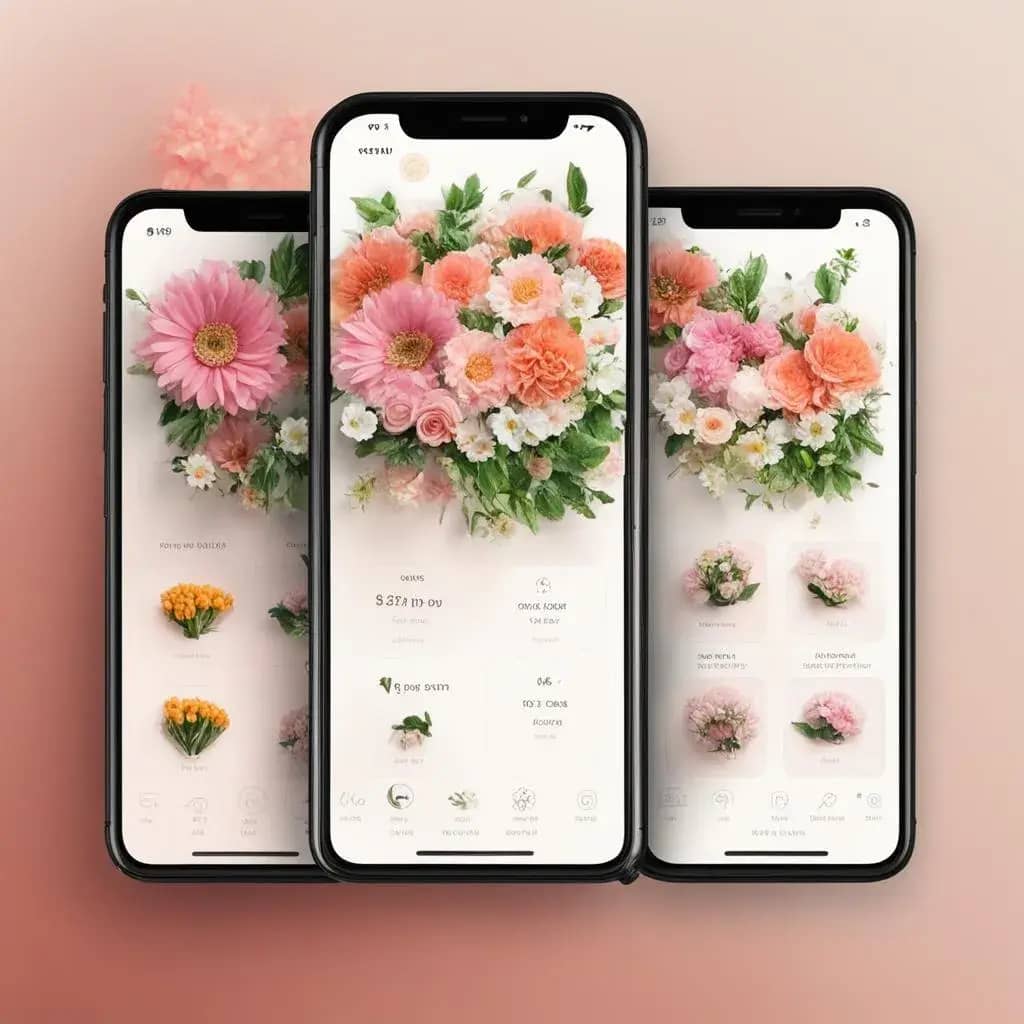
The design concept of a mobile application is the overall idea and plan that defines the appearance, user interface, functionality, and overall user experience of the app. It includes the selection of color schemes, typography, screen layouts, animations, icons, and other design elements that reflect the brand and objectives of the application. The design concept also involves analyzing user needs, researching competitors, creating user flows (the sequence of user actions), and developing prototypes to evaluate the user experience before development begins.
The mobile app design concept can be presented as a set of images showcasing the app’s appearance, functionality, and user experience.
2. Screen Rendering
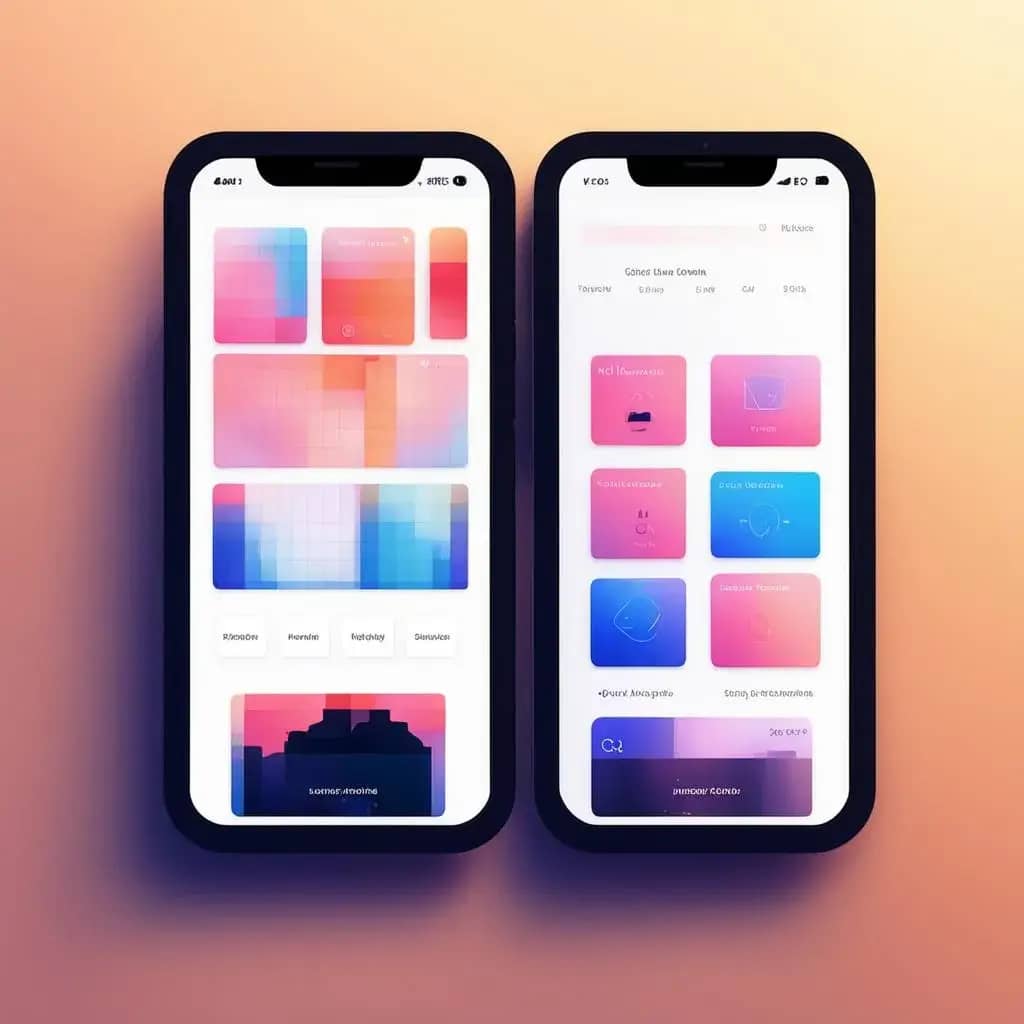
Screen rendering based on the mobile application design concept is the process of creating a visual representation of the user interface for a mobile app according to the design ideas and requirements. This includes creating layouts, prototypes, and final versions of screens that will be used in the application.
The screen rendering process typically begins with sketches or drafts, which are then transformed into more detailed layouts. These layouts can be created using design software such as Adobe Photoshop or Sketch, or prototyping tools like InVision or Figma.
Once the layouts are ready, they can be tested with users to gather feedback and make adjustments. Then, the final screen versions can be developed using programming languages such as Swift or Java for mobile applications.
It is important to remember that screen rendering is not just about creating attractive images. It must be based on the design concept, which takes into account user needs and project goals.
3. Design System
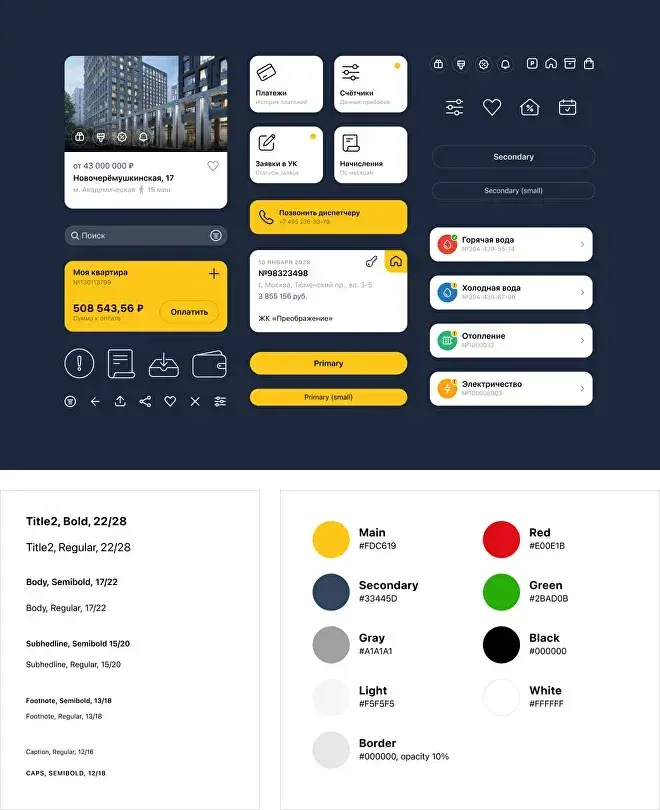
A design system for a mobile application is a set of tools and rules that define the visual style and user interaction with the app. It includes interface elements such as buttons, icons, fonts, colors, and other design components that create a unified and recognizable style for the application. The design system also establishes rules for user interaction with the app, such as the placement of elements on the screen, animations, and transitions between screens. This helps ensure consistency and ease of use across different devices and platforms.
A mobile app design system may also include a style guide that describes how various interface elements should look and behave. This assists designers and developers in creating a consistent and recognizable user interface that meets project requirements and user expectations.
Additionally, the design system can include a set of components that can be used to build different app screens. These components can be customized and adapted to the specific needs of the project, speeding up the development process and ensuring interface consistency.
Overall, the design system for a mobile application is a vital tool for creating a user-friendly and attractive interface that aligns with project goals and user expectations.
4. Adaptation
Adapting a mobile application design from iOS to Android is the process of modifying the app’s design to meet the requirements and standards of the Android operating system. This includes changing the interface, adapting control elements, adjusting animations and screen transitions, as well as optimizing performance and compatibility across various devices.
The process of adapting a mobile app design from iOS to Android may include the following steps:
1. Analysis of Android requirements and standards: studying the requirements and standards of the Android operating system to understand what changes need to be made to the app design.
2. Interface modification: adapting the app interface to Android’s requirements, including resizing and repositioning control elements, adjusting fonts and colors, and adapting animations and screen transitions.
3. Performance optimization: optimizing the app’s performance to run efficiently on devices with different specifications, such as processors, memory, and screen resolution.
4. Testing and debugging: testing and debugging the app on various Android devices to ensure it functions correctly and meets user requirements.
5. Maintenance and updates: updating and maintaining the app on Android to comply with the latest operating system requirements and standards.
It is important to remember that adapting a mobile app design from iOS to Android requires a deep understanding of the requirements and standards of both operating systems, as well as experience in mobile app development.
5. Specification
A mobile application specification is a document that describes the functional and non-functional requirements for a mobile app. It includes a description of the app’s goals and objectives, its functionality, user interface, as well as requirements for performance, security, and compatibility with various devices and operating systems.
The mobile application specification may contain the following sections:
1. Introduction: a brief description of the app, its goals, and objectives.
2. Functional Requirements: a description of the app’s functionality, including its core features, user interactions, and integration with other systems.
3. Non-Functional Requirements: a description of non-functional requirements such as performance, security, compatibility with different devices and operating systems, as well as design and user interface requirements.
4. Technical Requirements: a description of technical requirements, including hardware and software needs, database specifications, and server infrastructure.
5. Change Management: a description of the process for managing changes in the app, including documentation, testing, and deployment requirements.
6. Quality Control: a description of the quality control process, including requirements for testing, debugging, and quality assurance.
7. Risk Assessment: a description of potential risks and measures to mitigate them.
8. Conclusion: a brief summary of the document and recommendations for further work.
The mobile application specification is an essential document that helps developers understand the app’s requirements and create a product that meets both user and business expectations.